Blocking without a VPN, and what that trade means.
Open Book enforces Apple's on-device Screen Time filter. Many monitoring apps instead route traffic through a VPN to record browsing. Both are legitimate — they protect opposite things.
Direct App Store link · No VPN profile to install
What VPN monitoring does
Accountability apps that monitor iPhones typically install a VPN profile so browsing activity in Safari, Chrome, and other browsers passes through their service, which records page titles and sends reports and instant alerts to a chosen contact — including in private-browsing modes (see Accountable2You iOS page, accountable2you.com/ios/, current as of Sep 22 2026). The strength is visibility: someone else can read what was browsed, rated and timestamped. The cost is exposure by design — page titles leave the device — plus a VPN that must stay connected, with iOS limits inside non-browser apps remaining (their iOS page notes social apps cannot be reliably monitored inside the apps themselves).
What native blocking does
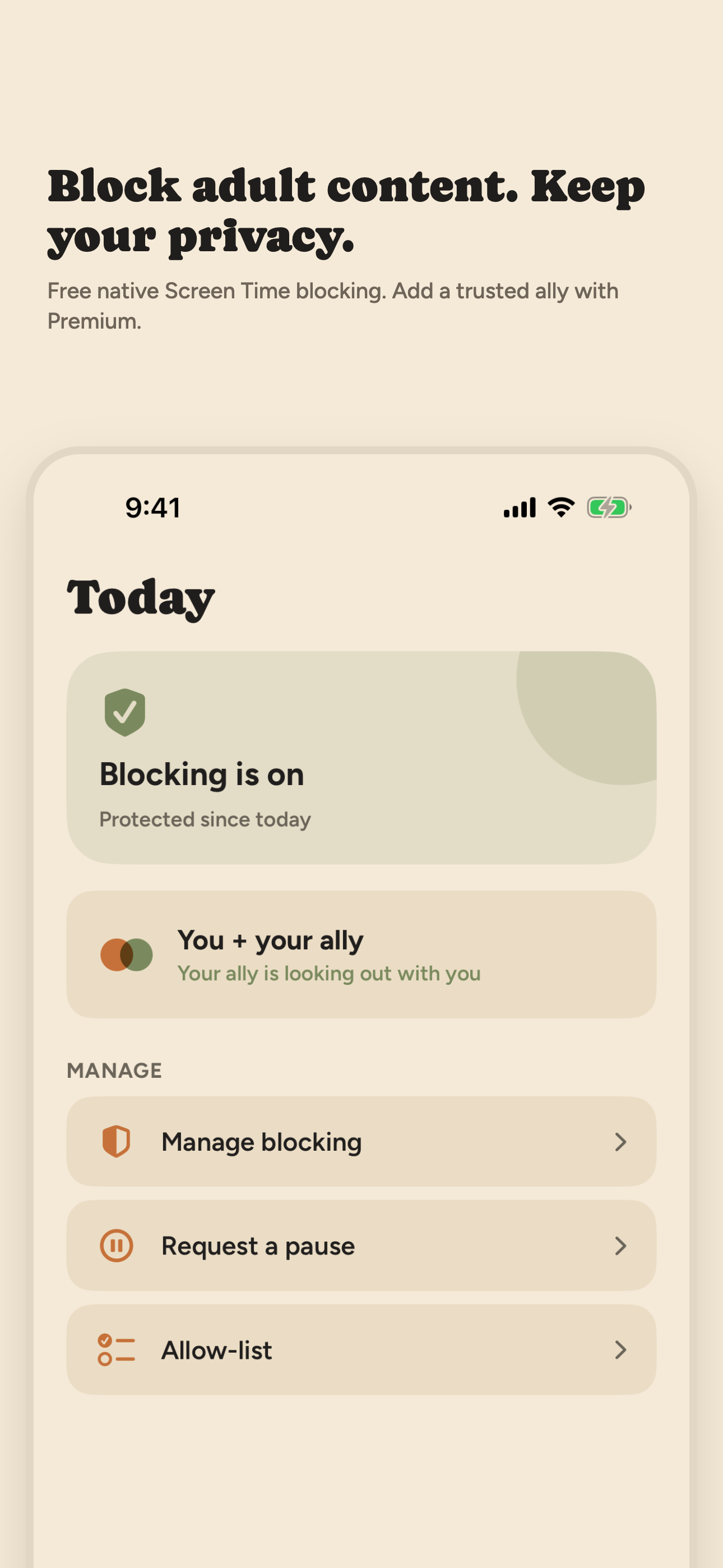
Open Book installs no VPN and inspects no traffic. It tells iOS which filter to enforce — adult website filtering in Safari, shields over apps or categories you pick — and iOS enforces it on-device. Nothing about what you browse leaves the phone. Open Book's Activity log records only event types and times — blocking started or stopped, pauses began or ended — and stays on your iPhone. No one else sees it.
Swipe horizontally to compare.
| Question | VPN monitoring (e.g. Accountable2You) | On-device blocking (Open Book) |
|---|---|---|
| What can someone else read? | Page titles and reports, rated for concern | Nothing — the activity log stays on your iPhone |
| Does browsing leave the phone? | Yes — activity is recorded via VPN technology | No — enforcement stays on-device |
| Private browsing visible? | Yes, monitored including incognito modes | Not applicable — nothing is recorded at all |
| Stops the page opening? | Monitoring reports; blocking varies by product | Yes — filter and shields refuse it on-device |
| Needs a VPN connected? | Yes | No VPN profile at all |
| iOS blind spots? | Inside non-browser apps, limited (their words) | Same iOS boundary: on-device enforcement only |
Sources beside claims: Accountable2You iOS and monitoring pages (current as of Sep 22 2026); Apple's iPhone User Guide “Block apps, app downloads, websites, and purchases” (iOS 26 version-pinned); iOS 27 material not tested. Platform details change — verify current vendor pages before deciding.
Choose monitoring when…
Per-page visibility matters more to you than browsing privacy; you want reports you and someone you trust can read together; your main risk is browsers rather than apps; you are comfortable routing traffic through a vendor VPN. In that case a monitoring product is the better fit.
Choose Open Book when…
The idea of anyone reading page titles feels wrong; you want the block itself, not the log; you prefer no VPN; you want to manage blocking yourself, with your activity kept on your iPhone. How Open Book works.

On a desktop? Point your iPhone camera here to open Open Book on the App Store.