Block adult websites in Safari, with Apple's own switch.
The built-in iPhone method first — no download needed — then where Open Book fits for people who want a witness.
Direct App Store link · Optional; the guide below needs no app
Apple's built-in method (self-managed, iOS 26)
Apple's iPhone User Guide describes this for your own device (see “Block apps, app downloads, websites, and purchases on iPhone,” iOS 26 version-pinned, current as of Sep 22 2026). Steps are quoted for iOS 26 — labels on other versions vary, and Apple's newer iOS 27 Family-controls material was not tested here:
Open Settings, tap Screen Time, turn Content & Privacy Restrictions ON, tap App Store, Media, Web, & Games, then Web Content, and choose Limit Adult Websites. To block a specific site outright, use Add Website under Never Allow. Apple then filters known adult sites automatically across Safari and other browsers using its web engine.
Two honest caveats. First, anyone holding the phone and able to change Settings can undo this — on your own device there is no passcode that you cannot also remove, so treat it as friction you chose, not a lock. Second, Apple's filter is automatic and general: it misses things and occasionally over-blocks, and it tells nobody anything. If quiet self-service filtering is all you want, stop here — you do not need an app for this.
Where Open Book fits
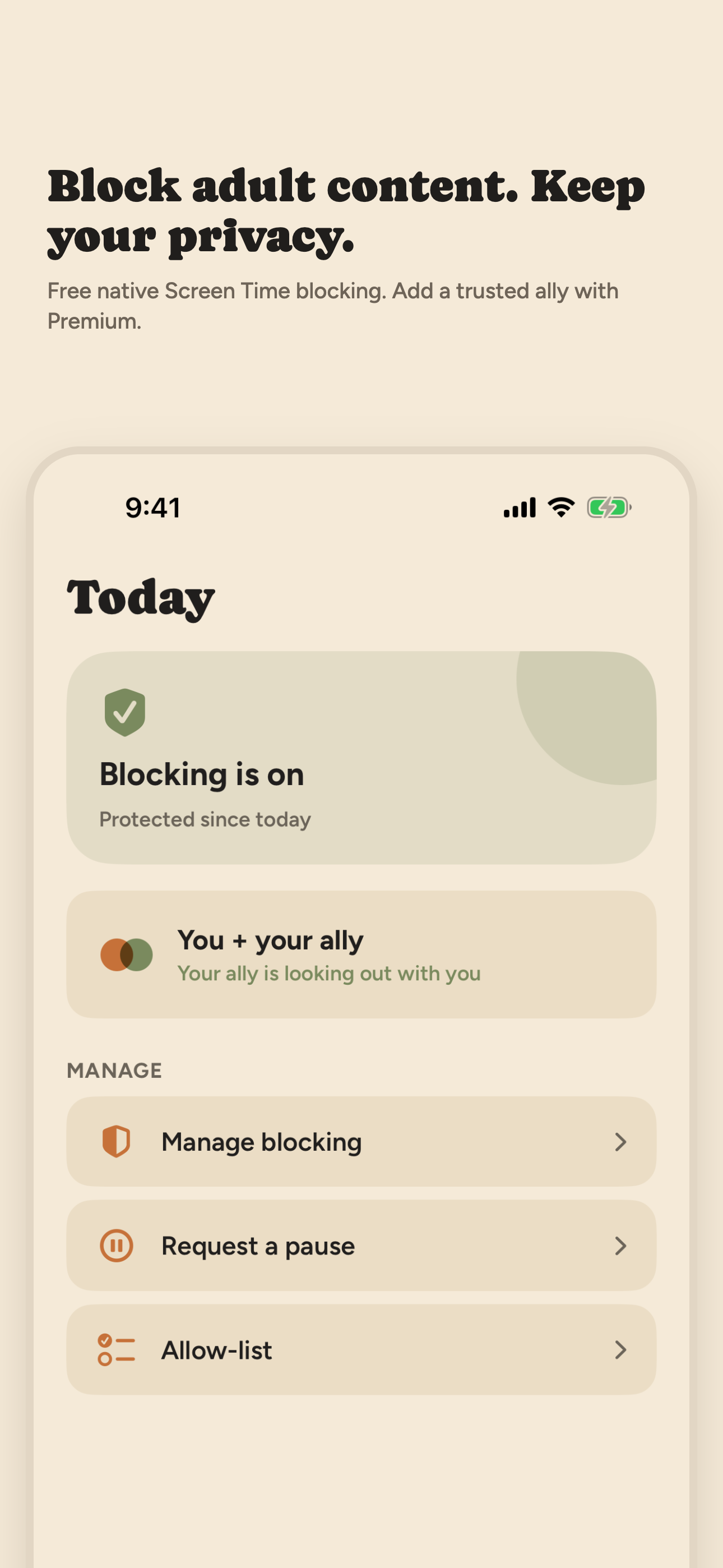
Open Book applies that same native Safari filter through guided setup, adds shields for apps or categories you choose, and — only if you subscribe and invite someone — adds a witness: up to five allies see protection-related event types and check-in status in a private portal, never websites or history. Status-free text alerts point them at the dashboard without details, and they can approve a short pause when you ask. Blocking itself stays free; the witnessed layer is the paid part. Pricing · What allies see.
When to skip us
If you only need the Safari filter and trust yourself with Settings, Apple's switch above is the whole answer. Consider Open Book when you want the filter plus someone in your corner — or compare with VPN-based monitoring approaches if per-page reports sound more useful than privacy-first blocking.

On a desktop? Point your iPhone camera here to open Open Book on the App Store.