How to block apps from being downloaded on iPhone
Use Screen Time. Go to Settings, Screen Time, Content & Privacy Restrictions, iTunes & App Store Purchases, Installing Apps, and choose Don't Allow. That stops new installs on your own iPhone for free. To keep apps you already have from opening, you need a separate block, and that is where Open Book helps.
Direct App Store link · Optional; the steps below need no app
Updated October 2026. Disclosure: we make Open Book. Menu wording follows Apple's iPhone User Guide for iOS 26 and Apple's support articles that use the newer iOS 27 labels. Apple renames Screen Time items between versions.
Block new app installs (iOS 26 and earlier labels)
- Open Settings and tap Screen Time. If Screen Time is off, turn it on first.
- Tap Content & Privacy Restrictions and turn it on.
- Tap iTunes & App Store Purchases.
- Tap Installing Apps and choose Don't Allow.
Apple's iPhone User Guide describes this screen as where you "choose restrictions for installing or deleting apps and in-app purchases" (Change settings and restrictions in the App Store, iOS 26). The same screen has Deleting Apps and In-App Purchases, which you can set the same way.
If your phone runs iOS 27
Apple's newer support articles put these controls under Settings, Screen Time, Apps & Websites, App Store, with choices of Allowed or Blocked. For example, Apple's article on turning off In-App Purchases (published September 17, 2026) says to tap Apps & Websites, then App Store, then In-app Purchases and select Blocked. Apple's parental controls article names Installing Apps in the same App Store screen. If you do not see the label you expect, search Settings for "Installing Apps" or "Screen Time".
Block apps by age rating instead
You can let installs through but limit what is allowed. On iOS 26, go to Content & Privacy Restrictions, App Store, Media, Web, & Games, Apps, and choose an age rating. Apple lists this as "Restrict apps by age ratings." It filters by rating, not by name, so it cannot block one specific app.
Make it stick: the Screen Time passcode
On your own phone you can switch these settings off again whenever you like, so what matters is who knows the Screen Time passcode. Many people ask a friend or family member to set it. Apple covers this in its guide "Create, change, or remove a Screen Time passcode." Nothing on-device is bypass-proof, but a passcode you do not know turns an impulsive tap into a decision.
For a child's iPhone
With Family Sharing, a parent opens Settings, Family, taps the child's name, then Apps & Websites, App Store, Installing Apps and chooses Blocked. Apple's article also describes Ask to Buy, which sends each download to a parent for approval. Open Book is for adults managing their own phone, not for monitoring a child.
Where Open Book helps
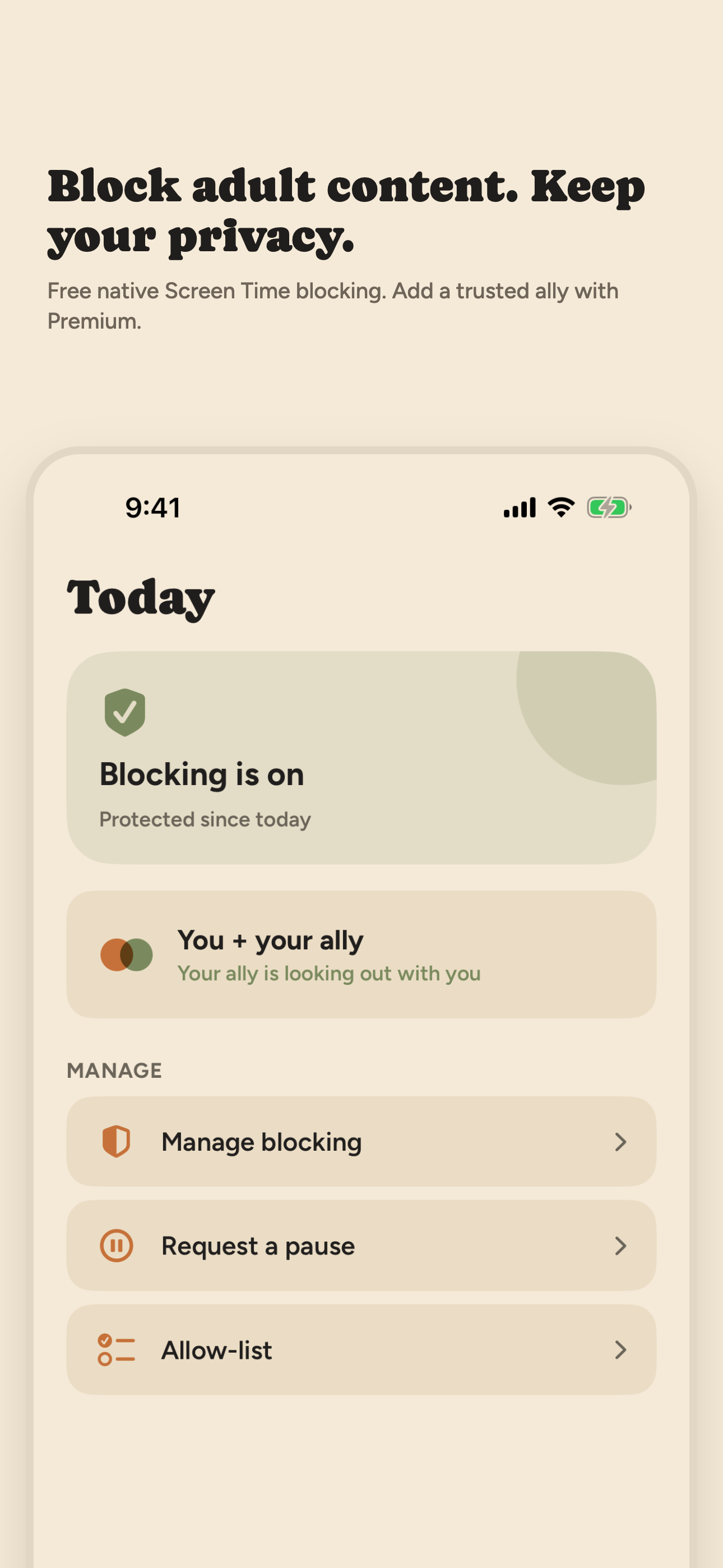
Apple's setting controls installing. It does nothing about apps already on your phone, and that is usually where the time goes. Open Book uses Apple's Screen Time controls to block the apps and app categories you pick with Apple's own picker. Opening a blocked app shows a calm blocked screen instead. You can add app exceptions so work or family apps keep working, and pause blocking for 15, 30 or 60 minutes when you need a break. The Activity log of event types and times stays on your iPhone. No VPN is involved.
To be clear about the limit: Open Book does not stop you from downloading a new app. Use Apple's Installing Apps setting for that, and Open Book for the apps already there. The two work well together. If your goal is adult content rather than apps, see our Safari guide and the best porn blocker for iPhone comparison.
Frequently asked questions
How do I stop apps from being downloaded on my iPhone?
Turn on Screen Time, then go to Settings, Screen Time, Content & Privacy Restrictions, iTunes & App Store Purchases, Installing Apps, and choose Don't Allow. On iOS 27 Apple's newer Screen Time wording groups this under Apps & Websites, App Store, with Allowed and Blocked.
Can I block one specific app from being downloaded?
Not by name. Screen Time blocks installing as a whole, or limits apps by age rating under App Store, Media, Web, & Games, Apps. To keep one installed app from opening, choose it in an app blocker built on Screen Time, such as Open Book.
How do I block app downloads on a child's iPhone?
With Family Sharing, a parent opens Settings, Family, taps the child's name, then Apps & Websites, App Store, Installing Apps, and chooses Blocked. Ask to Buy lets a parent approve each download instead of blocking all of them.
Does Open Book stop me from downloading apps?
No. Open Book blocks adult websites in Safari and shields apps and categories you choose, so they do not open. It does not prevent new installs. Use Apple's Installing Apps setting for that, and Open Book for apps already on your phone.
Sources: Apple iPhone User Guide for iOS 26 (Block apps, app downloads, websites, and purchases); Apple Support articles 102470 and 105121. Read in October 2026. Open Book's behavior is described from the app's own Screen Time features; iOS menu labels can differ by version.
On a desktop? Point your iPhone camera here to open Open Book on the App Store.