Free blocking. Support when you want it.
Blocking on your iPhone is free. A subscription adds up to five allies, their private portal, status-free alerts, and ally-approved pauses. Same features on both plans; your allies are always free.
Direct App Store link · Free download · Check the price shown in the app before subscribing
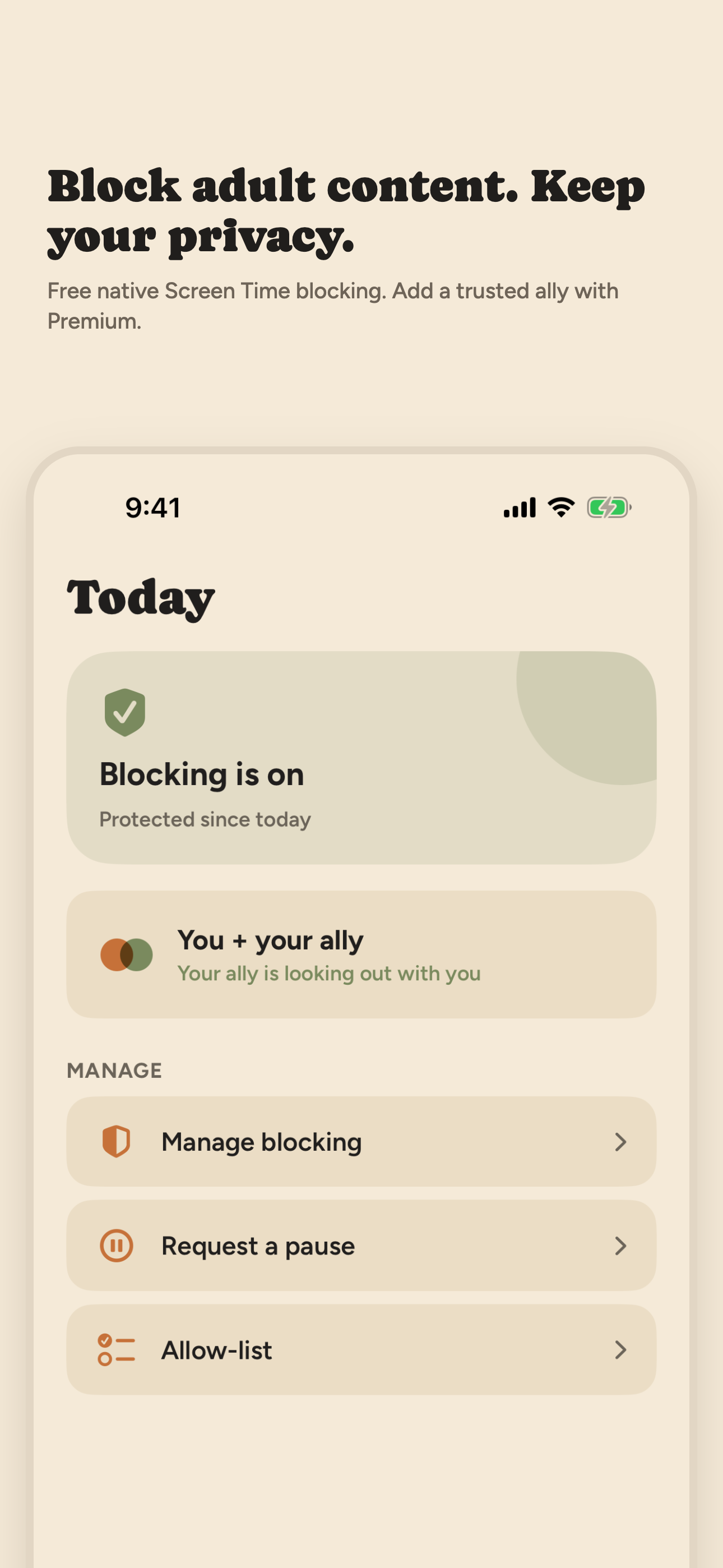
What is free
Adult website filtering in Safari and blocking for the apps or categories you choose. No account, no subscription, no ally required. Blocking runs on your device through Apple's Screen Time controls, with no VPN and no traffic inspection.
What Premium adds
Premium unlocks the accountability layer: invite up to five allies (a partner, friend, sponsor, or mentor); each ally gets a private web dashboard showing protection-related event types and check-in status — never browsing history, websites, app-use details, screenshots, or message contents. Optional status-free text alerts tell an ally to look at the dashboard without putting event details in the message. You can send an ally-approved pause request when you need a short break, and the shield returns afterward. Exactly what allies see.
Plans and current US prices
Both plans include the same accountability features and up to five allies at no extra charge. Prices and offers vary by country — the price and any offer shown in the app before you confirm are what apply.
Annual — US $59.99 per year. Eligible new US subscribers receive a 14-day free trial, then the annual price applies.
Monthly — US $9.99 per month, with no introductory free trial.
Subscriptions renew automatically unless canceled. Payment is charged to your Apple Account. Cancel at least 24 hours before the trial or current subscription period ends to avoid the next charge. Manage or cancel in Settings, then your name, then Subscriptions. Deleting the app does not cancel your subscription.
Your allies never pay
Allies create a free web account; they do not install the app and do not buy a subscription. Participation is voluntary on both sides: you can remove an ally or delete your account without their approval, and revoking Screen Time permission in iPhone Settings is always in your hands.
Limits worth knowing before you pay
Open Book is not bypass-proof and not a parental-monitoring tool. Alerts depend on connectivity and device check-ins; a missed check-in is not proof that protection changed. If you only need a filter with no witness, the free blocking — or Apple's own built-in controls in our Safari guide — may be all you need.
On a desktop? Point your iPhone camera here to open Open Book on the App Store.